To reprint a transaction you must first select and view the sale, which can be done two ways:
Either selects the customers icon, choose the customer whose transaction you would like to reprint, and then click  .
.
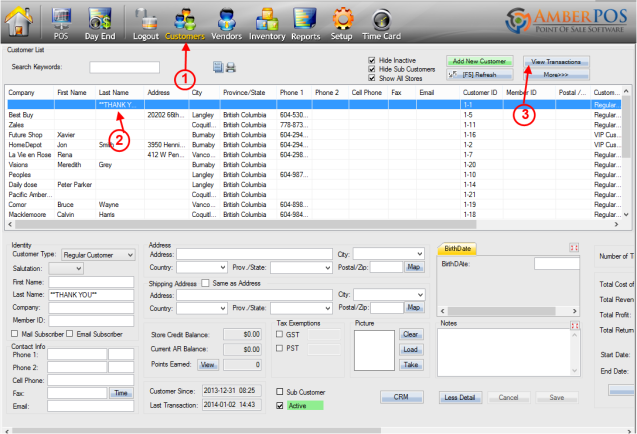
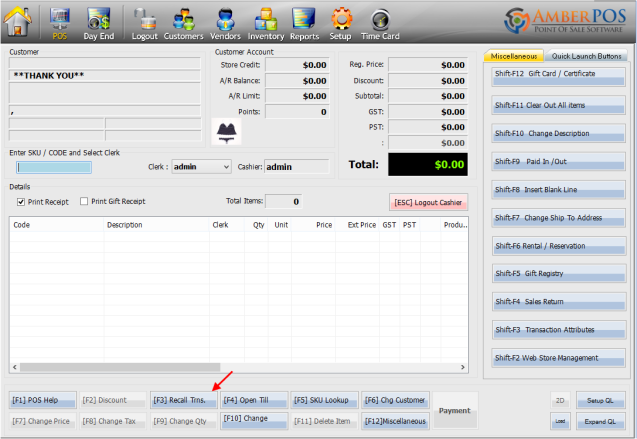
Or, from the sales window select  from the bottom of the screen.
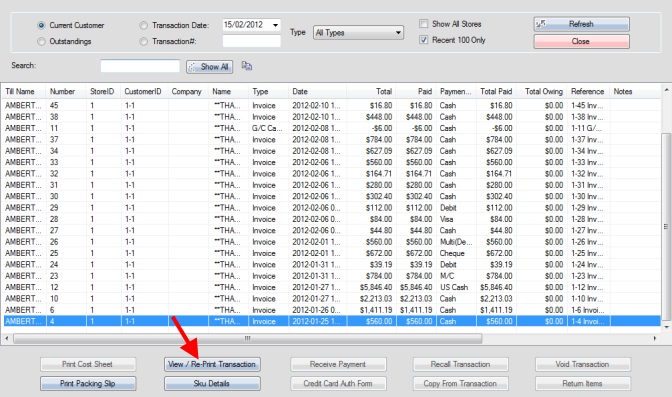
Choose the transaction you would like to reprint from the list in the new window and select  (See: Sorting the Recall Transaction Window) <--CREATE LINK
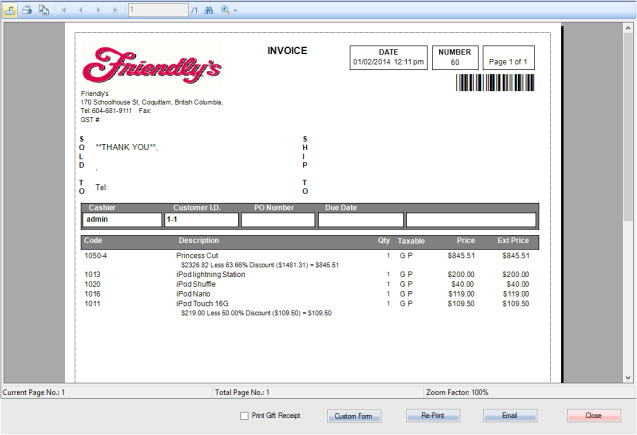
Once the invoice is displayed, simply press the Re-Print button located at the bottom of the screen and a copy will be printed.
Revised 25/03/2014
Updated