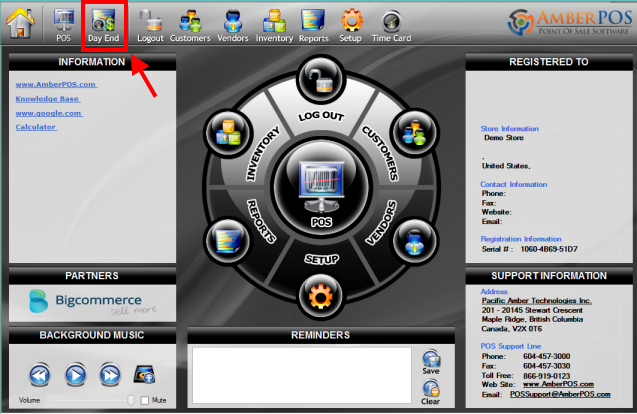
The Day End menu can be accessed by selecting the Day End icon at the top of the homescreen.
Article written with AmberPOS version 4.14.05.05
Updated
The Day End menu can be accessed by selecting the Day End icon at the top of the homescreen.
Article written with AmberPOS version 4.14.05.05
Updated